How to use the Gate?
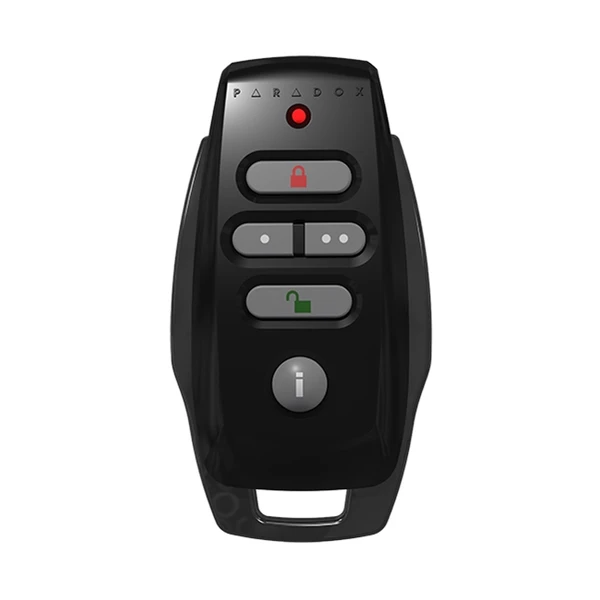
Easily manage the Villa's gate by using the remote control.
-
1.Open the Gate:Press the one dote bottom.
-
2.Close the Gate:The gate close automatically.
-
3.Arming/Disarming Option:Tap the red lock to arm the system & tap the green lock to disarm it. Use this function while being outside of the villa.
-
4.Gate Indoor Panel:Inside the villa, next to the main entrance, you will find the control panel. Tap on the "Live View" option – a new screen will appear. Select "Main Door Station" to view a live feed of the villa's gate. Tap the "Key" icon to open the gate remotely. Tap the "Telephone" icon to speak with someone at the gate.